Take your expenses with you, or share one month
Download your expenses as a CSV file that opens in any spreadsheet. You can also publish one month of your confirmed expenses as a read-only page, and turn it off at any time.
Create your free accountThe CSV export and the share link are on the Free plan.
What it does
A CSV file of your expenses
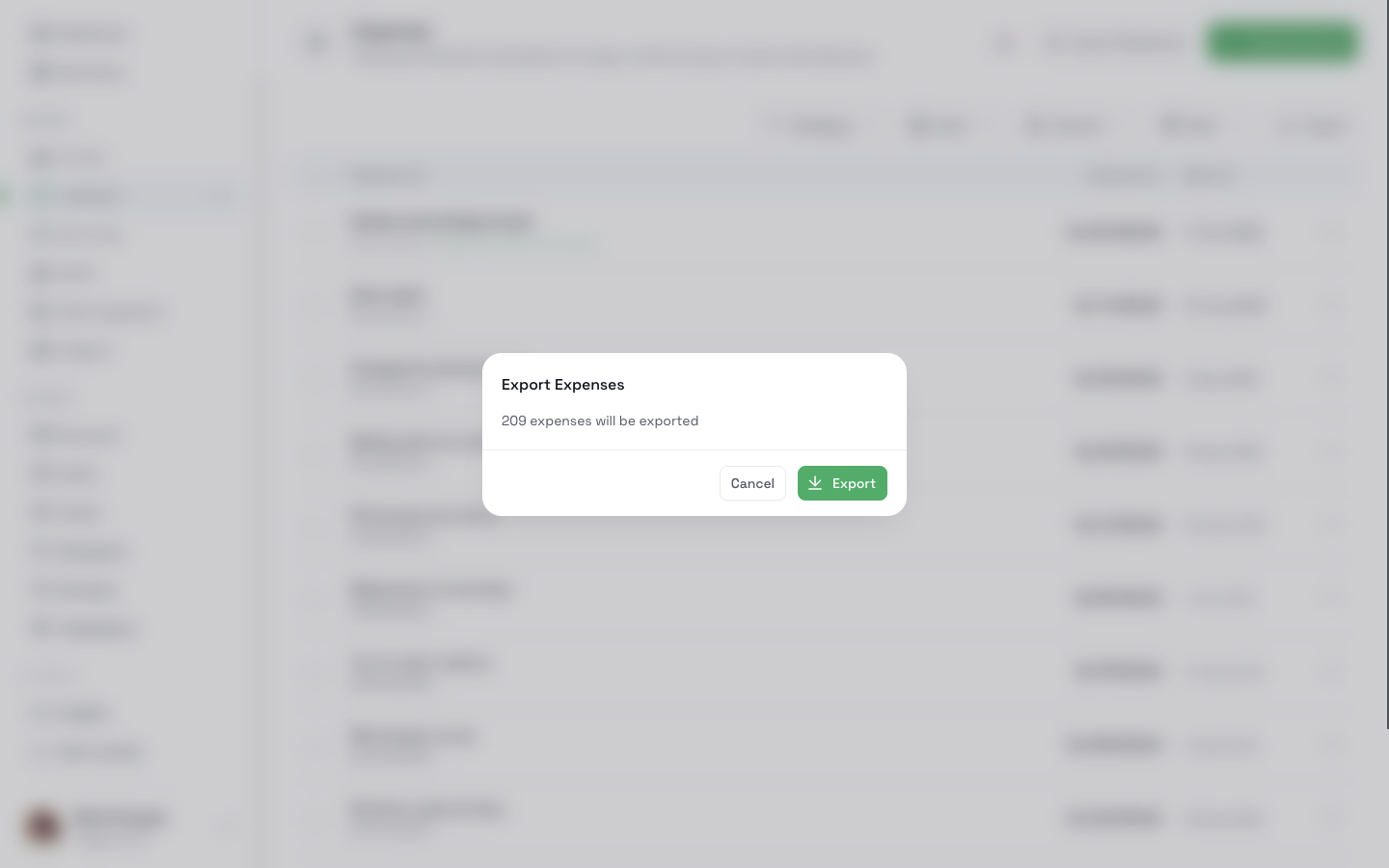
Click **Export** on the Expenses page. CatatKoin shows how many expenses it will export and downloads one file. The file has these columns: id, description, amount_cents, currency, category, vault, and payment_date.
Only the expenses you filter
Filter by category, vault, amount, or dates first. The file holds the expenses that match. The dialog shows the count before you download.
Safe to open in a spreadsheet
A spreadsheet reads some opening characters, such as an equals sign, as a formula. CatatKoin adds a quote mark before such text. The spreadsheet shows the text and does not run it.
A read-only page for one month
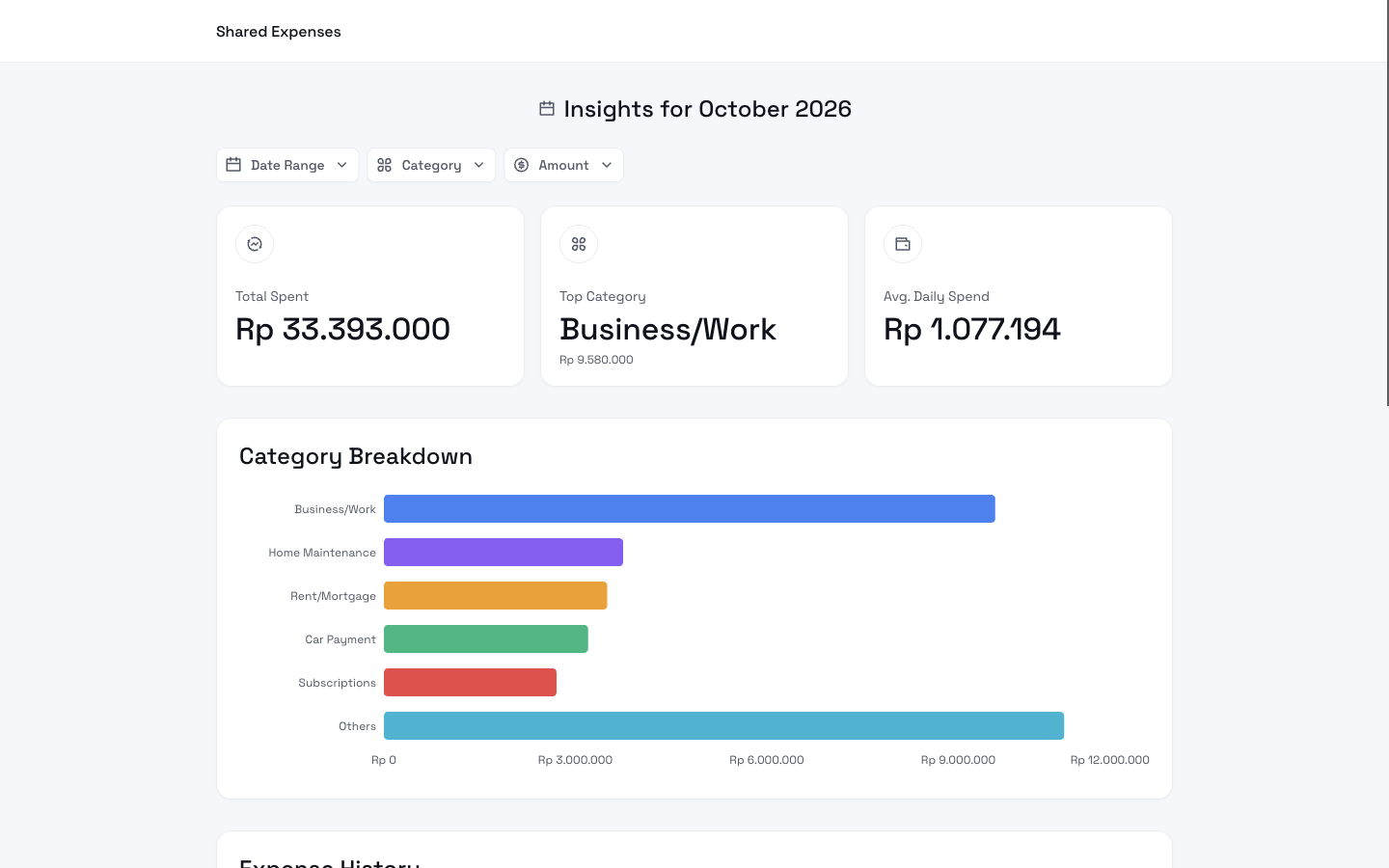
Open **Insights**, choose a month, and click **Share**. CatatKoin gives you a link. Anyone with the link sees the total spent, the top category, and the average daily spend. They also see a category chart and the list of expenses for that month. They can filter by dates, category, and amount inside that month. They cannot change anything, and they do not need an account.
A link you can turn off
Click **Unlink** in the same dialog. The link stops working at once.
How it works
- 1
To export a CSV file, open Expenses. To export only some expenses, use the filters.
- 2
Click Export. Read the count in the dialog, and click Export again. Your browser downloads the file.
- 3
To share a month, open Insights and choose the month.
- 4
Click Share. The dialog names the workspace and the month.
- 5
Copy the link and send it to the person you choose.
- 6
To stop sharing, open the same dialog and click Unlink.
What it does not do
- The link covers one month of one workspace. It never shows a second month.
- The page shows confirmed expenses only. It shows no accounts, balances, income, client charges, debts, or notes.
- The page is live. If you add, change, or delete an expense in that month, the viewer sees the change on the next visit.
- Anyone who has the link can open it. CatatKoin does not ask for a password. Read the descriptions and vault names in your expense list before you share, because the page shows them.
- If you unlink it or archive the workspace, the link stops working.
- The CSV is a list of expenses. It is not a report, and it holds no totals.
- The amounts in the file are in cents. An expense of Rp50.000 appears as 5000000.
Related pages
Stay within a budget
Give each part of your spending a limit, log expenses as they happen, and see what is left. Review the month by category in CatatKoin.
Read moreInsights
See what you spent this month, how it compares with the last one, and which categories take the most. Open any category to see its expenses.
Read moreExpense tracking
Log expenses in seconds from the web, Telegram, or the API. Sort them into categories and vaults, review drafts, and export a CSV. No bank login needed.
Read moreYour records, in your hands
Download your expenses at any time. Sharing a month is your choice.
Create your free account