See where your money went this month
Insights turn the expenses you logged into a monthly picture. You see what you spent, how that compares with the month before, and which categories take the most. Click a category to see its expenses.
Start tracking for freeFree plan. Log a few expenses and your first month shows up here.
What it does
A summary for the month
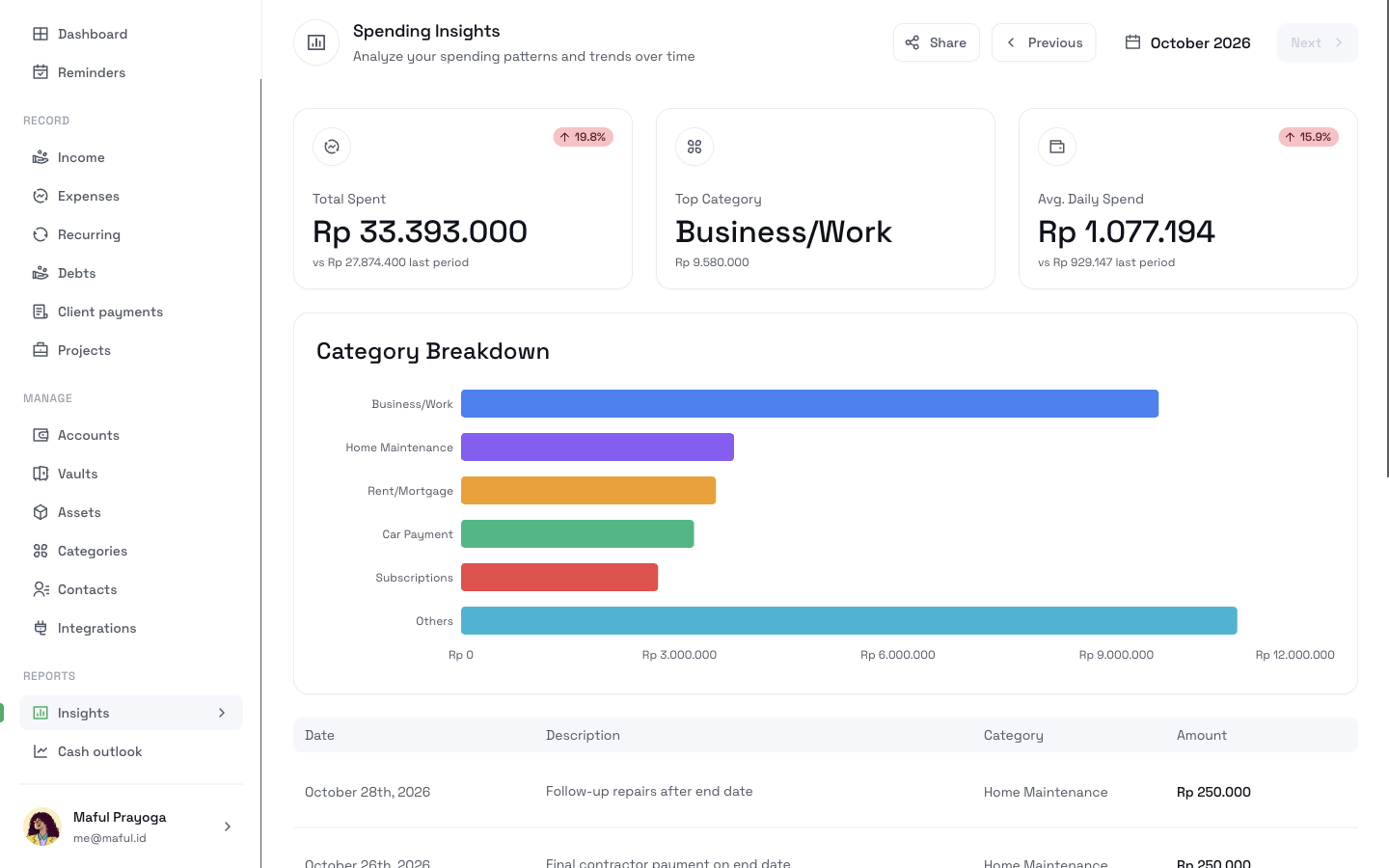
See the total you spent, your top category, and your average spending for each day. Each figure shows how it changed from the last period.
A breakdown by category
A bar chart ranks your largest categories. Smaller ones group into Others.
The expenses behind each bar
Click a category to list only its expenses. Click Others to list the rest.
Month by month
Use Previous and Next to move between months.
How it works
- 1
Log your expenses on the web, from Telegram, or through the API.
- 2
Open Insights under Reports.
- 3
Read the summary at the top. Use Previous to compare an earlier month.
- 4
Click a bar in the category breakdown to see the expenses in that category.
- 5
If an expense has the wrong category, open it and change the category.
What it does not do
- It counts confirmed expenses only. A draft does not count until you confirm it.
- It shows one currency at a time. It does not convert one currency to another.
- It does not show income or what you have left in your accounts.
- It does not predict next month.
Related pages
Stay within a budget
Give each part of your spending a limit, log expenses as they happen, and see what is left. Review the month by category in CatatKoin.
Read moreExport and sharing
Download your expenses as a CSV file, or share one month of confirmed expenses as a read-only link and turn it off at any time. Both are free.
Read moreFind out before the month ends
Log as you spend. Open Insights halfway through the month, and see which category runs ahead.
Start tracking for free