Know how much is left before you spend it
You want to spend no more than a set amount on groceries each month. A vault holds that limit. Each grocery expense you log counts against it, and CatatKoin shows what is left. At the end of the month, Insights show where the rest of your money went.
Create your first vaultFree plan. Create an account and set a limit in under a minute.
A limit you do not see is easy to pass
Most people know roughly what they want to spend on food. Few people know how much they have spent by the 15th. A bank balance shows what is left in total. It does not show how much of your grocery limit is gone.
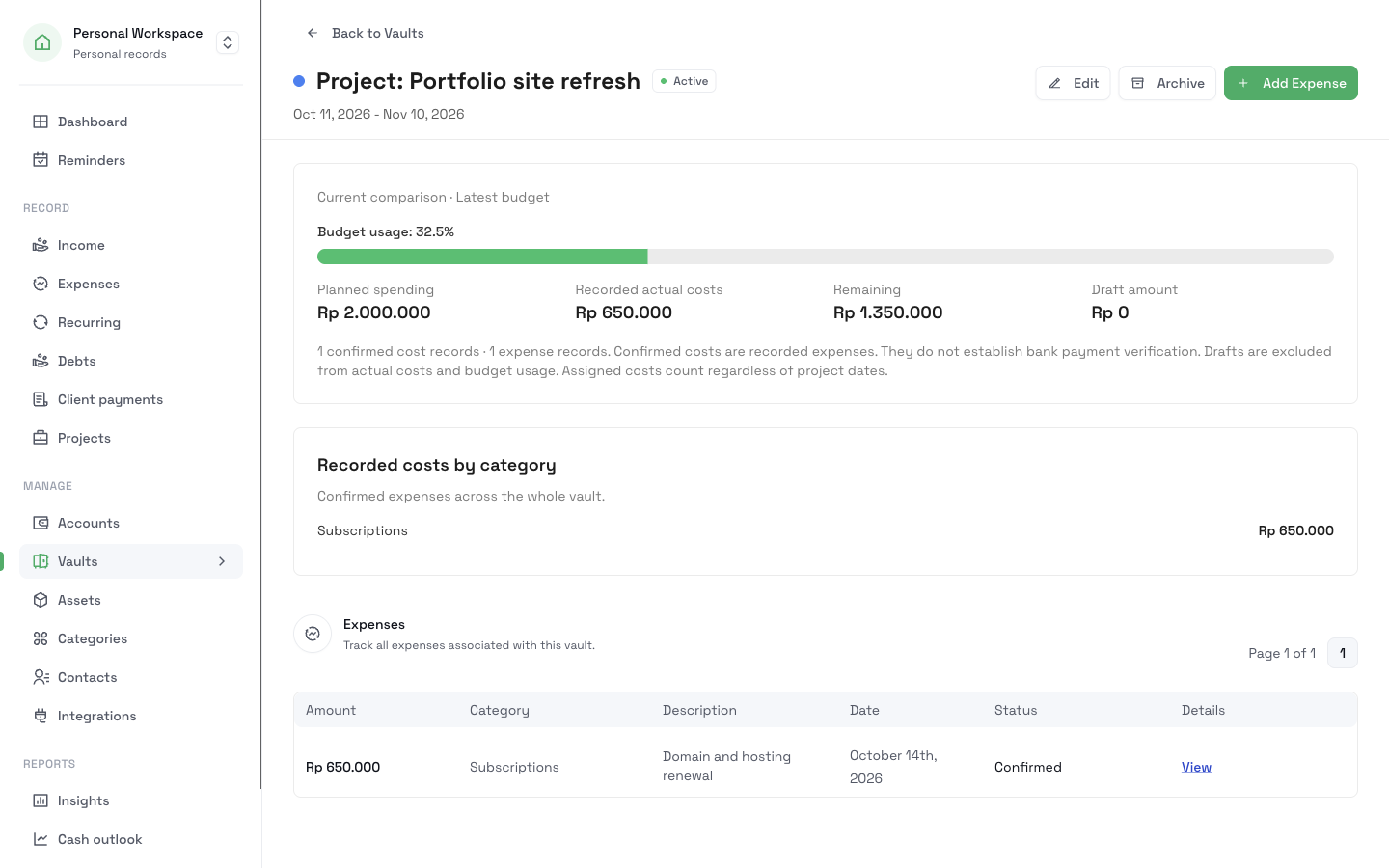
A vault gives one part of your spending an amount and a period. Each expense that belongs to it counts toward the amount. You see what you spent, what is left, and a progress bar.
The names, amounts, and dates are illustrative. This is not a customer story.
An example: a grocery limit for October
You live in Jakarta and you want to keep groceries at Rp2.000.000 each month. You have an account on CatatKoin. You have not set any vault yet.
From one limit to a month you can read
- 1
Create the vault
Open Vaults and create a vault. Fill in the form:
Field Example Title Groceries Amount Rp2.000.000 Type Open-ended Reset Monthly Linked category Groceries The Linked category means that each expense in this vault gets the Groceries category. An open-ended vault with a monthly reset starts again each month.
- 2
Log expenses as they happen
Add each grocery expense, and choose the Groceries vault. You can also send a message to the Telegram bot, and the expense goes to your list.
Date Expense Amount October 3 Market Rp350.000 October 8 Supermarket Rp420.000 October 15 Market Rp510.000 - 3
Read the vault
On October 15, open the vault. It shows Rp1.280.000 spent and Rp720.000 left, with a progress bar at about 64 percent.
- 4
Slow down before the limit
On October 22, you add Rp380.000. The vault shows Rp1.660.000 spent and Rp340.000 left. You decide to cook at home for the last week.
On October 28, you still need milk and rice. You add Rp450.000. The vault shows that you spent Rp2.110.000, which is Rp110.000 more than the limit. CatatKoin does not block the expense. It shows the number.
- 5
Review the month
Open Insights under Reports and choose October. See the total you spent, the category that took the most, and the breakdown by category. Click Groceries to list the expenses in that category.
- 6
Start the next month
The next month, the vault starts again from Rp2.000.000. The reset history keeps the October result: the limit, what you spent, and the amount over.
What changed in your records
| Date | What you do | What you see |
|---|---|---|
| October 3 to 15 | Log three grocery expenses | Rp720.000 left |
| October 22 | Log one more | Rp340.000 left |
| October 28 | Log the last one | Rp110.000 over the limit |
| End of October | Open Insights | A breakdown of the whole month |
| November 1 | The vault resets | A new month. October stays in the history. |
What you can look back on
What is left, at any time
Open the vault and read one number.
A month that closes cleanly
The reset history keeps what you spent in each period.
A view across categories
Insights show what else took money in the month.
Questions before you start
Related pages
Vaults
Set a spending limit for groceries, a trip, or a client job. See what is spent and what is left, with monthly, quarterly, or yearly resets.
Read moreExpense tracking
Log expenses in seconds from the web, Telegram, or the API. Sort them into categories and vaults, review drafts, and export a CSV. No bank login needed.
Read moreInsights
See what you spent this month, how it compares with the last one, and which categories take the most. Open any category to see its expenses.
Read moreExport and sharing
Download your expenses as a CSV file, or share one month of confirmed expenses as a read-only link and turn it off at any time. Both are free.
Read moreSet your first limit
Pick the part of your spending that surprises you most. Give it a vault and an amount. Then log the next expense.
Create your first vault